From search to handoff
Step 1
List an item
Add photos, condition, availability, and a price in a few minutes.
Step 2
Choose how to share it
Offer the item for rent, trade, or lending—whichever fits.
Step 3
Handle the details in Torkd
Use in-app messages for pickup and return, with Stripe for checkout and owner payouts.
See the marketplace
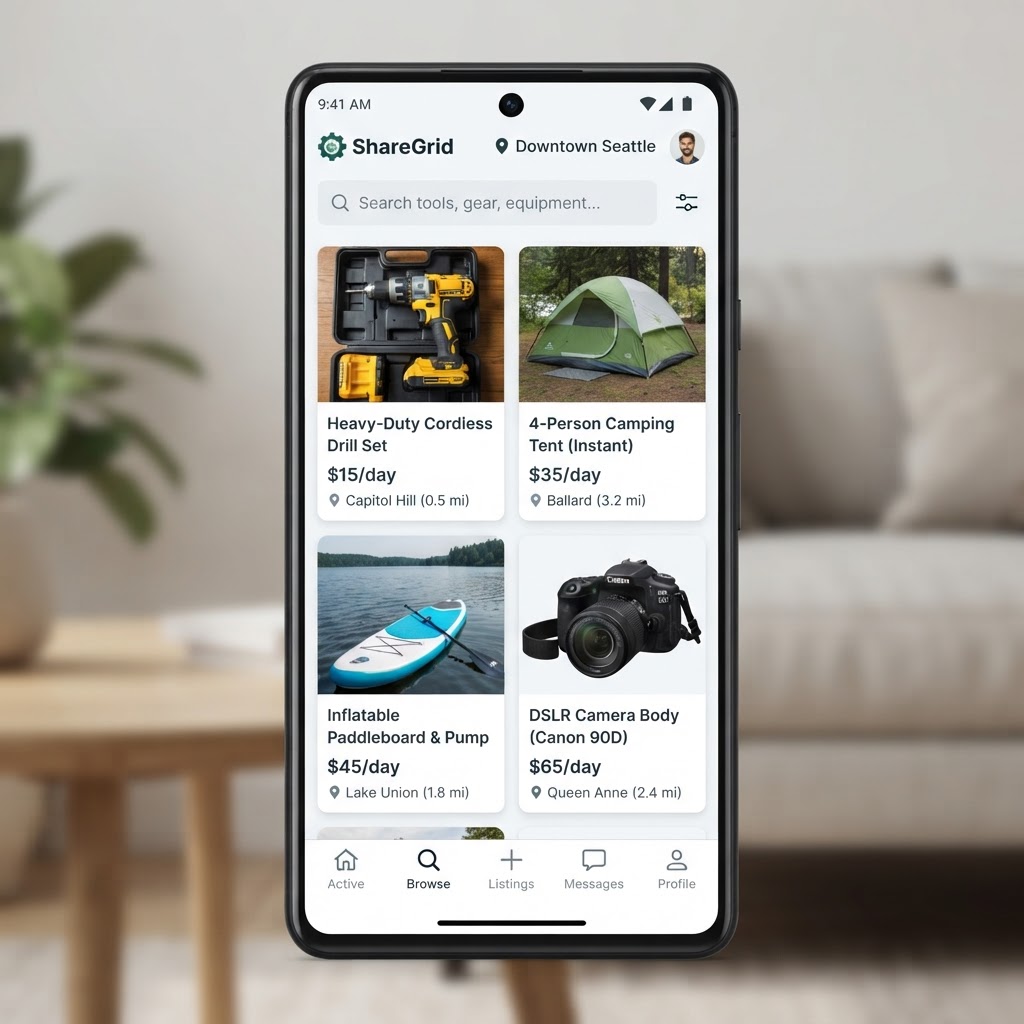
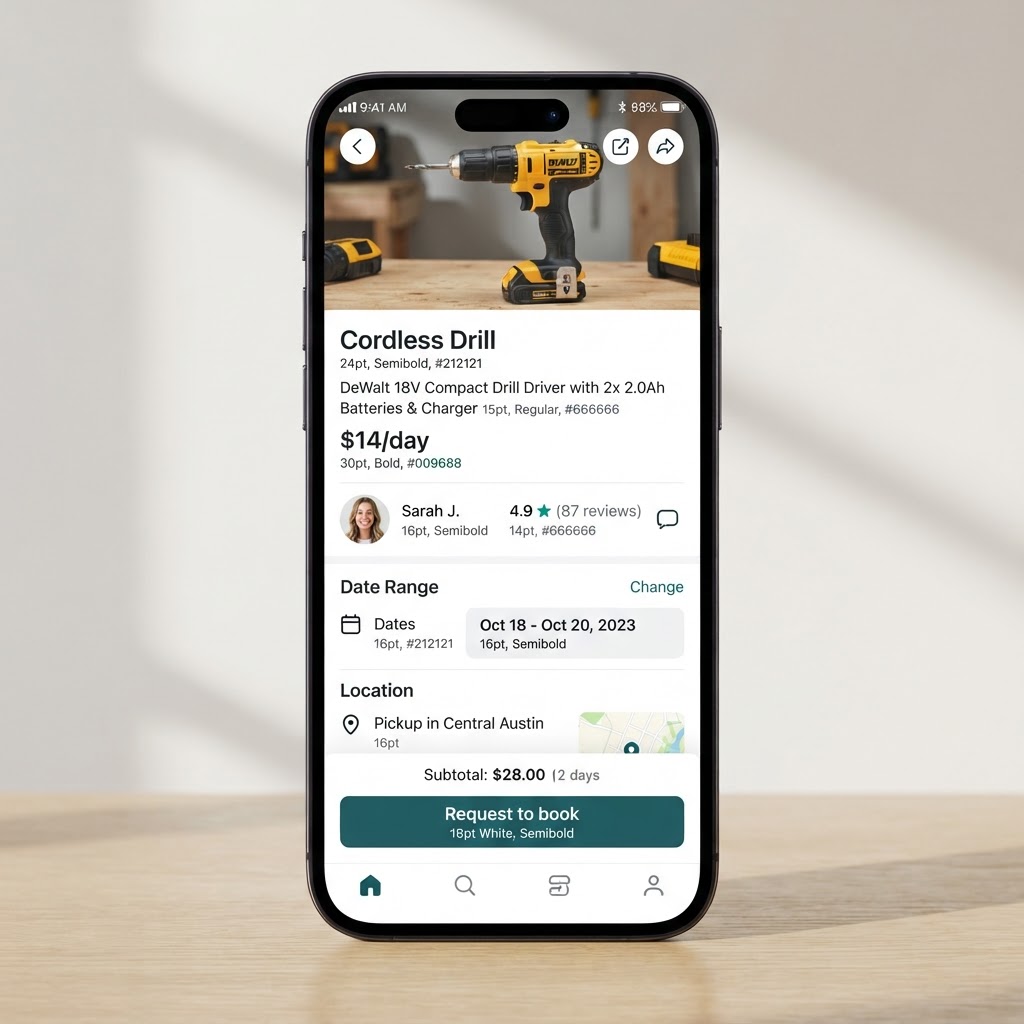
Browse listings with daily prices, then open an item to check the owner, details, and booking options.
Built for both sides
For renters
Rent tools, gear, equipment, or party supplies for a fraction of buying.
For owners
Track listings, requests, bookings, and Stripe payouts without juggling separate messages and payment links.